
POLYPHONIC 2, 4 AND 6-OPERATOR FM
Tupos Audio MPEFM
A fast, expressive FM instrument: three engines at 2, 4 and 6 operators, algorithms you shape straight from the main knobs, a custom routing matrix when you want one, and per-note MPE control over pitch, pressure and slide.
Buy or tryDesktop: a 14-day free trial or the full licence, chosen at the checkout. Coming to the App Store for iPhone, iPad and Mac.
HEAR IT IN ACTION
See it played
Tupos MPE FM · Sound demo
Electric piano, pads, keys, bells, sequences and leads from the factory presets.
Watch on YouTube →Tupos MPE FM · Native Instruments Kontrol S61 MK3
Aftertouch, mod wheel and LFO assignments.
Watch on YouTube →Tupos MPE FM · ROLI Seaboard
Per-note pitch, slide and pressure.
Watch on YouTube →Tupos MPE FM · Pinning effects
Keep your effects while changing presets, and bypass them to compare the sound.
Watch on YouTube →THE INTERFACE
One instrument.
Every control in view.
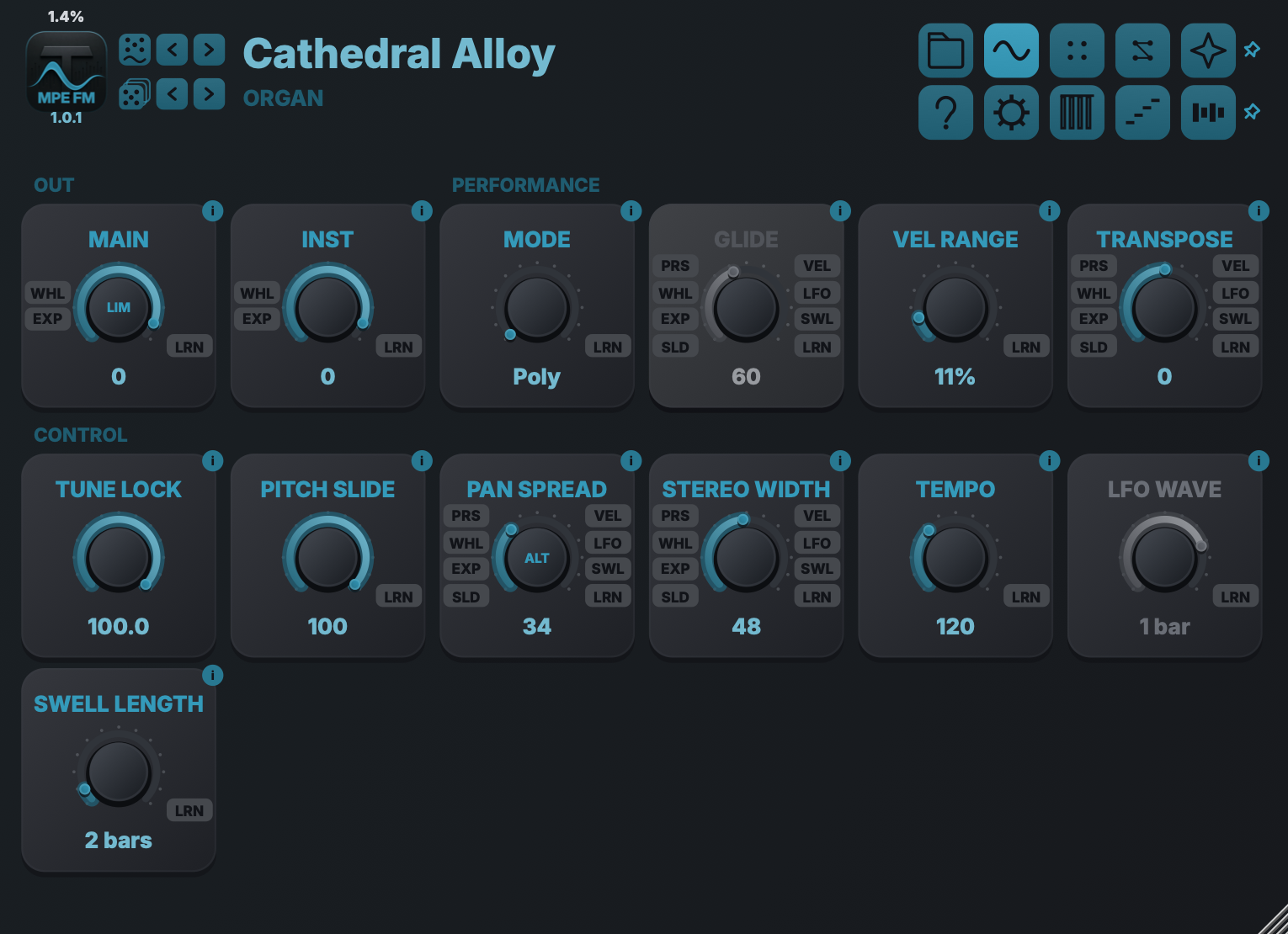
Sound design stays on the surface. Each view has one job, while the source badges beside assignable controls keep performance routing visible where it acts.
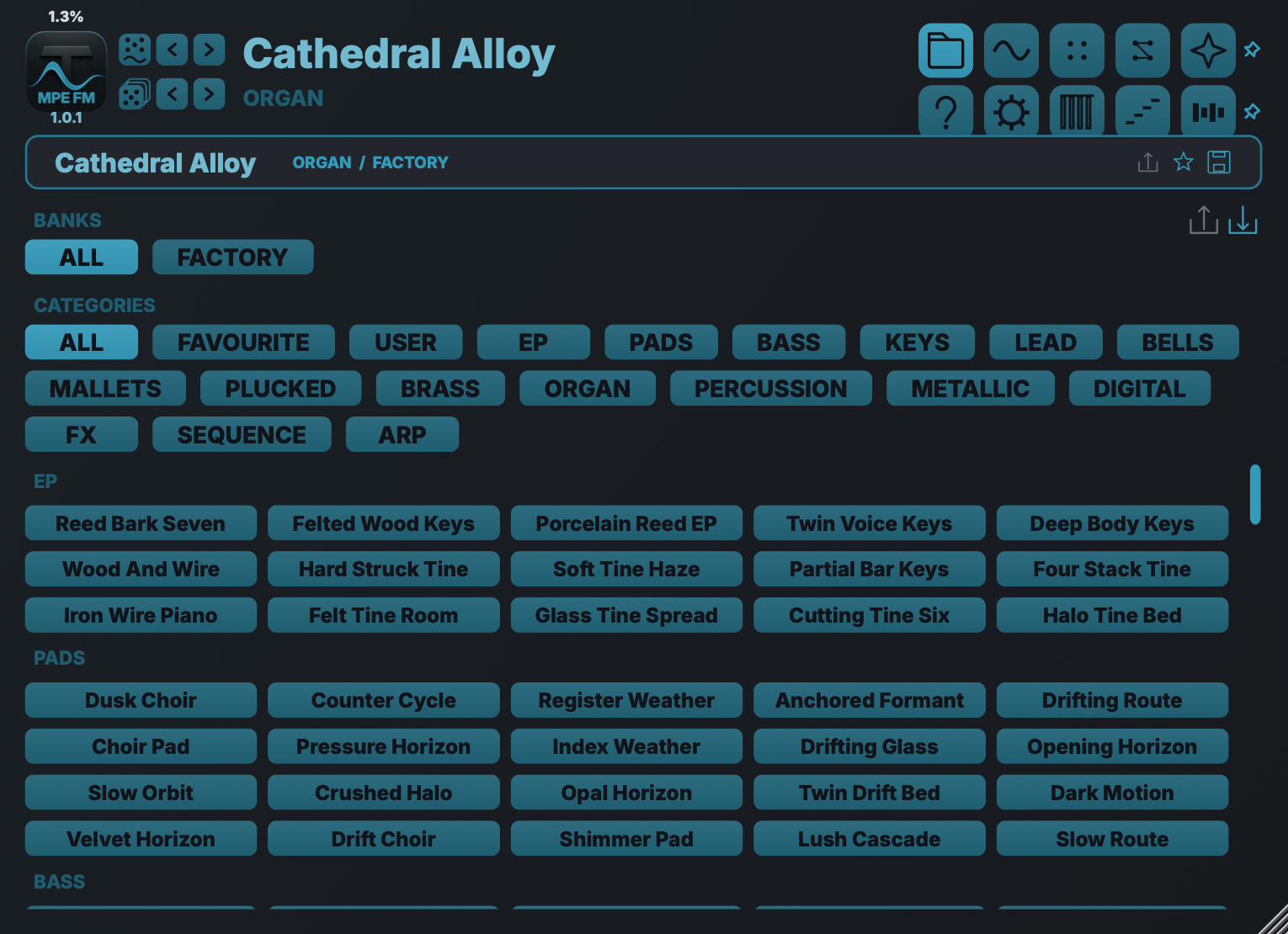
Preset browser
Move quickly through factory and user sounds by category, then save, rate and find your own variations without leaving the instrument.
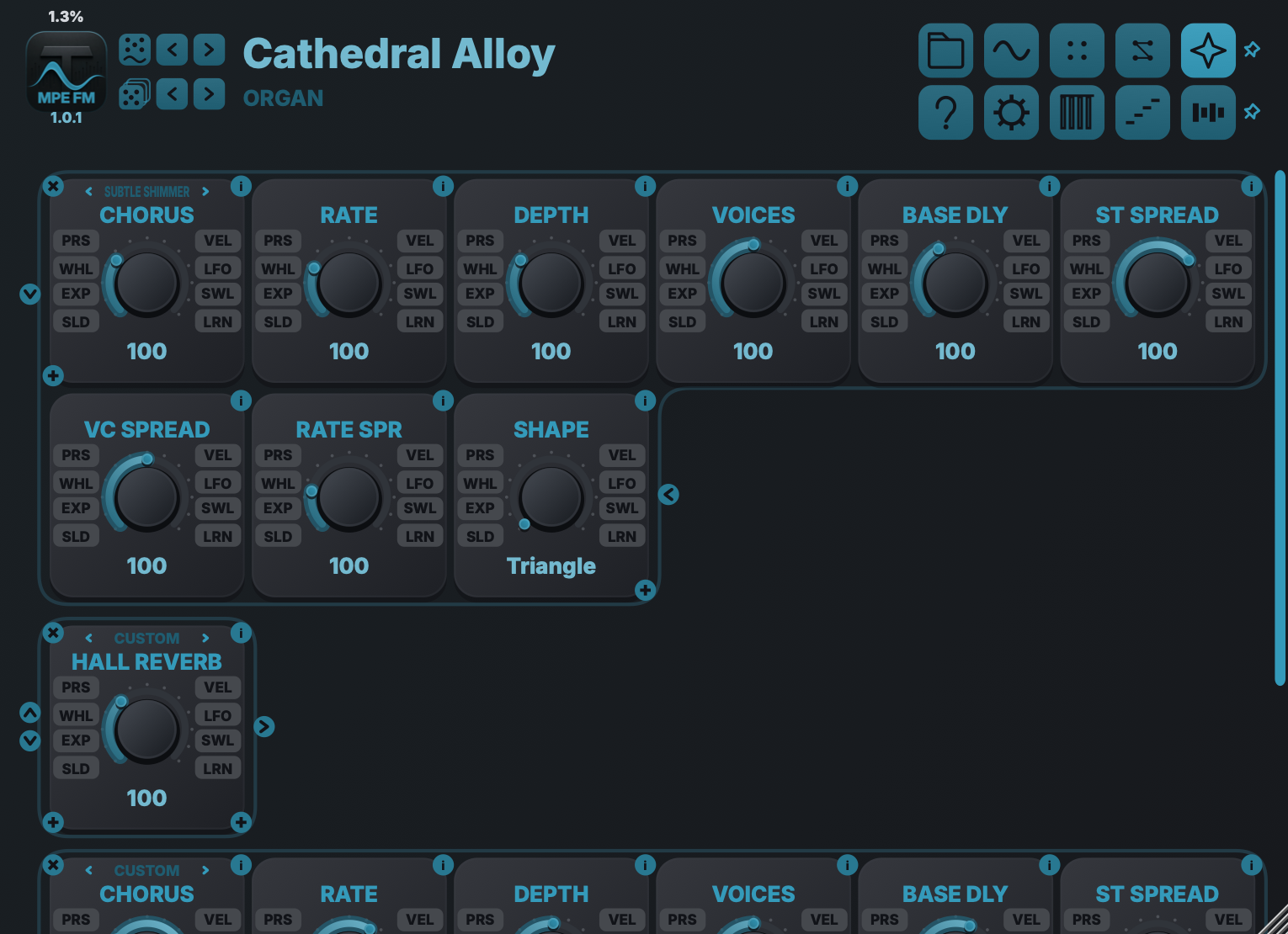
Effects
Build an eight-slot chain. Every effect exposes its own focused controls and the same direct modulation badges used across the synth.
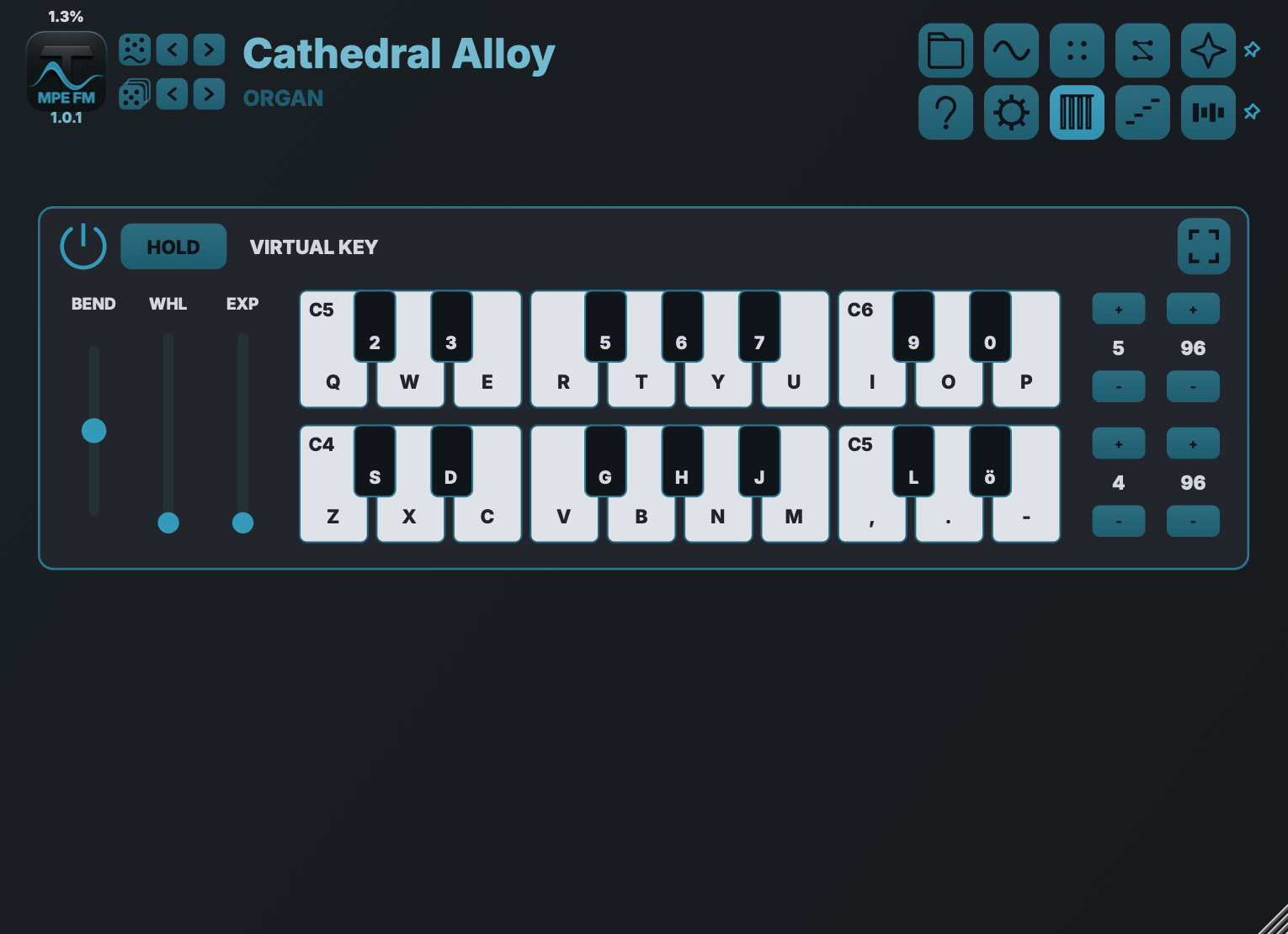
Virtual keyboard
Preview and test sounds without external hardware. In plug-in mode it plays this instrument directly; it does not send MIDI to the host or other plug-ins.
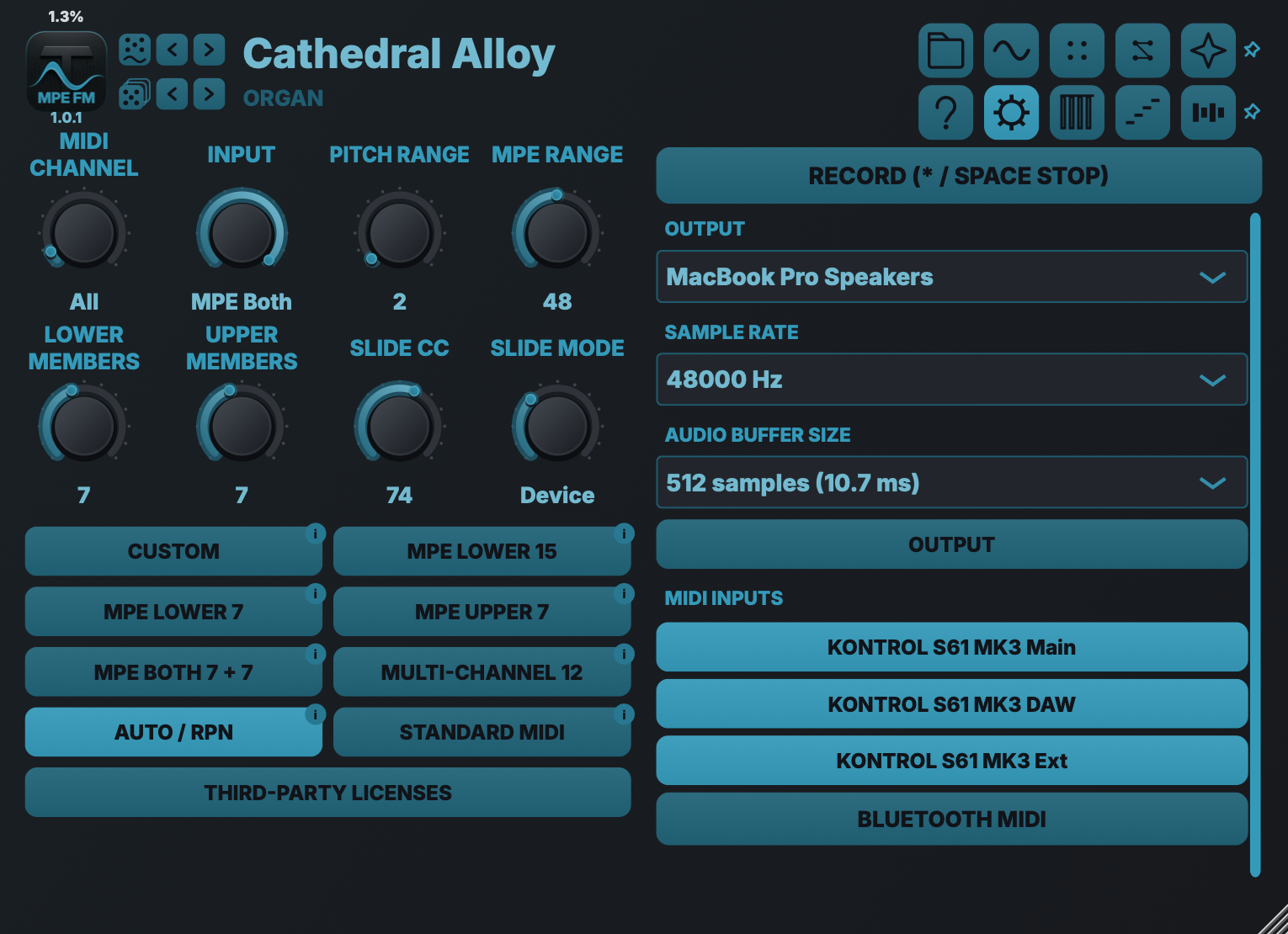
Audio and MIDI
Choose audio, MIDI and MPE configuration in one place, with ready-made profiles for common expressive-controller layouts and Standard MIDI.
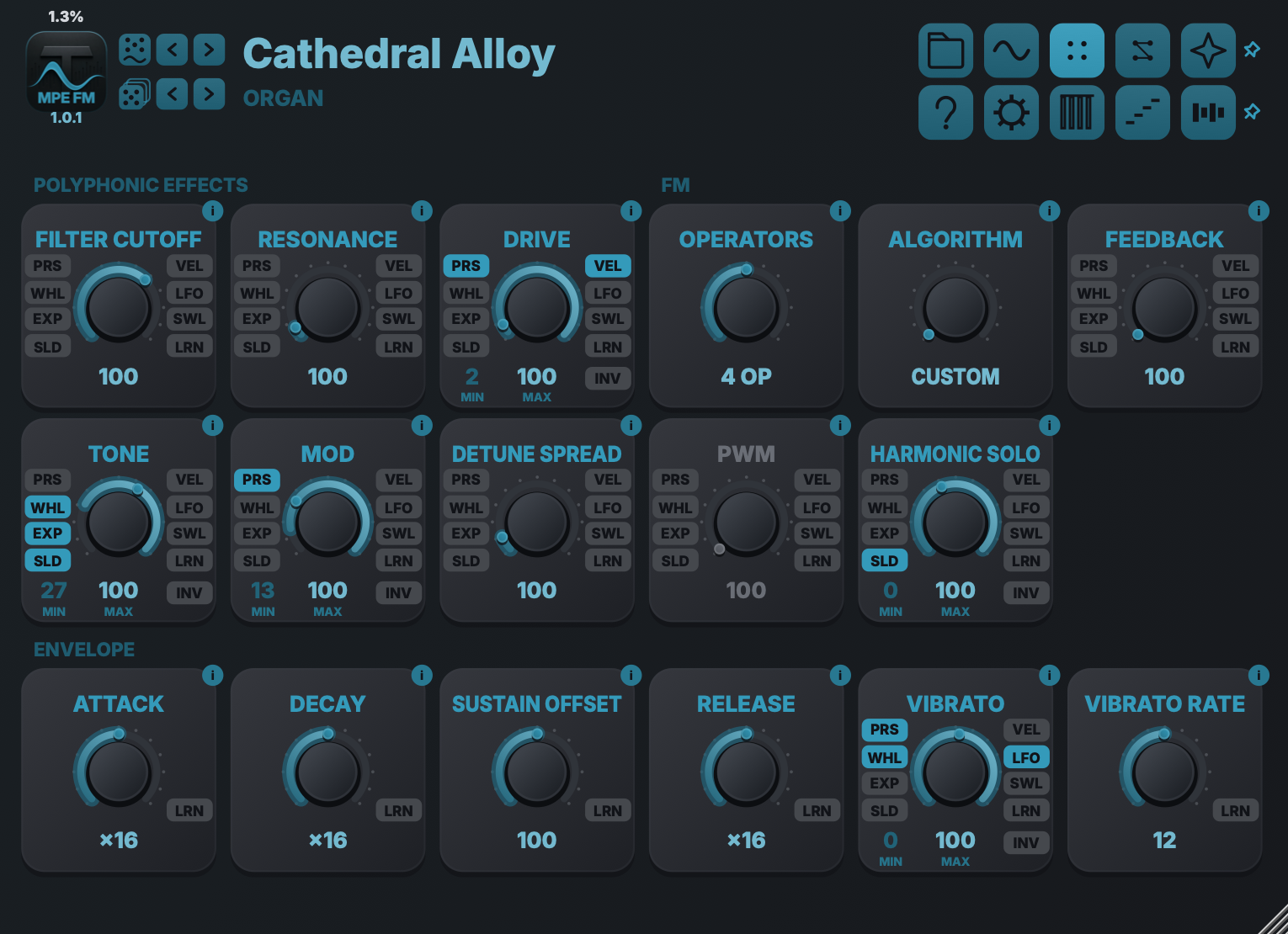
Sound shaping
Choose the operator count and shape the FM tone, envelopes and polyphonic effects.
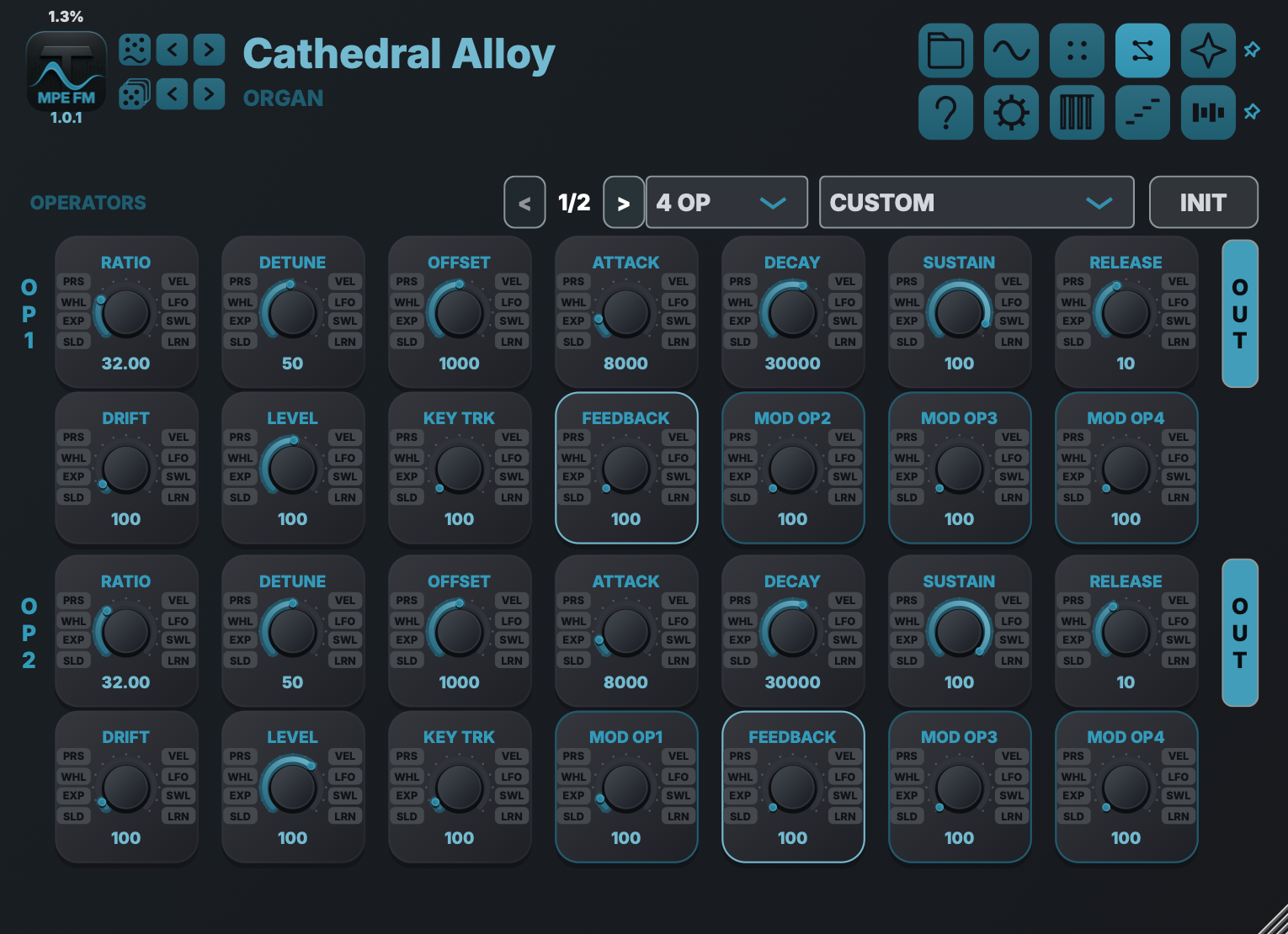
Routing matrix
Explore algorithms or build your own modulation paths.
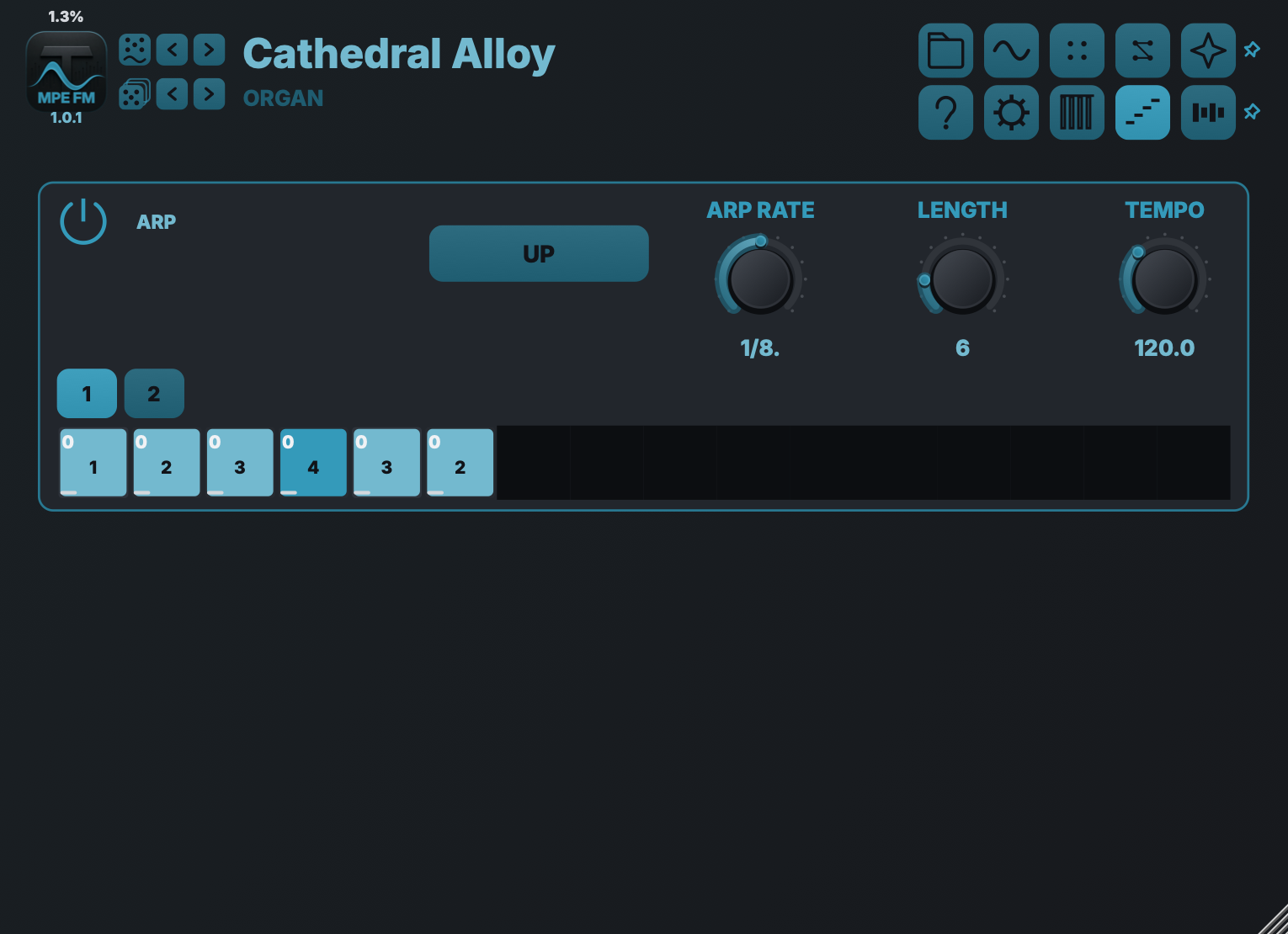
Arpeggiator
Turn held notes into rhythmic patterns.
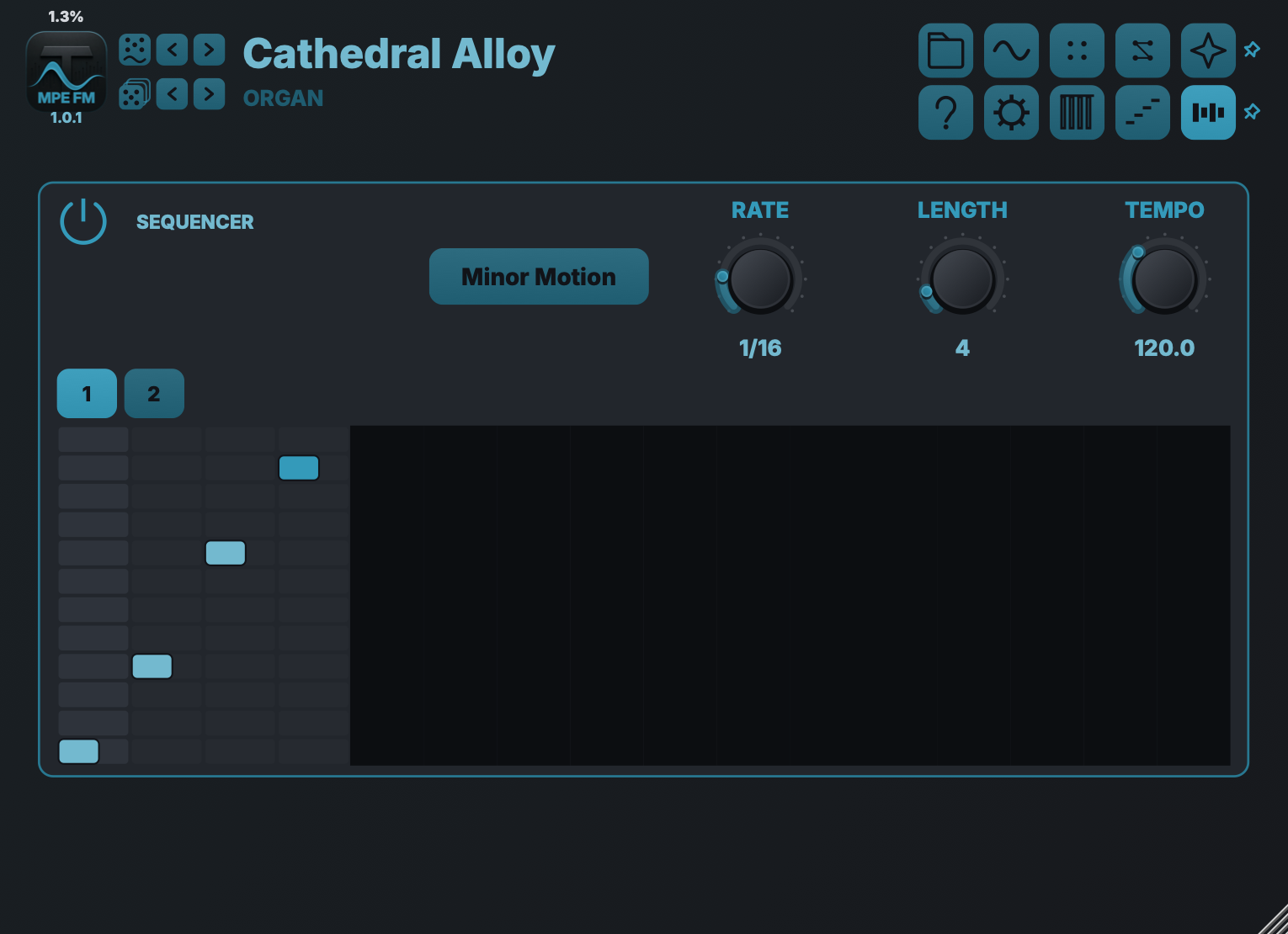
Sequencer
Write note patterns with per-step velocity and length.
BUILT-IN GUIDE
Get to know the controls.
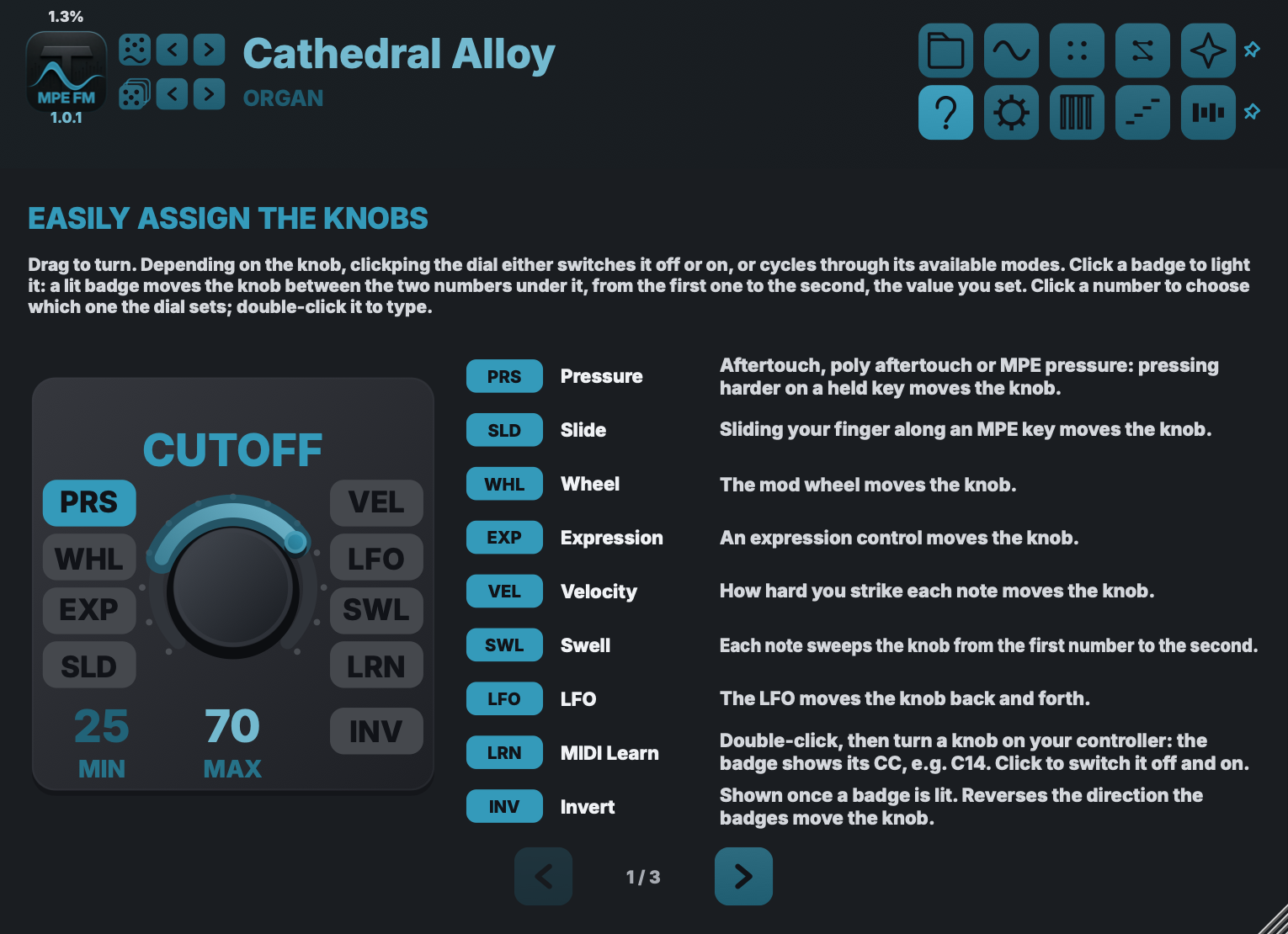
Knobs and expression
Assign pressure, slide, velocity and MIDI Learn directly on each control.
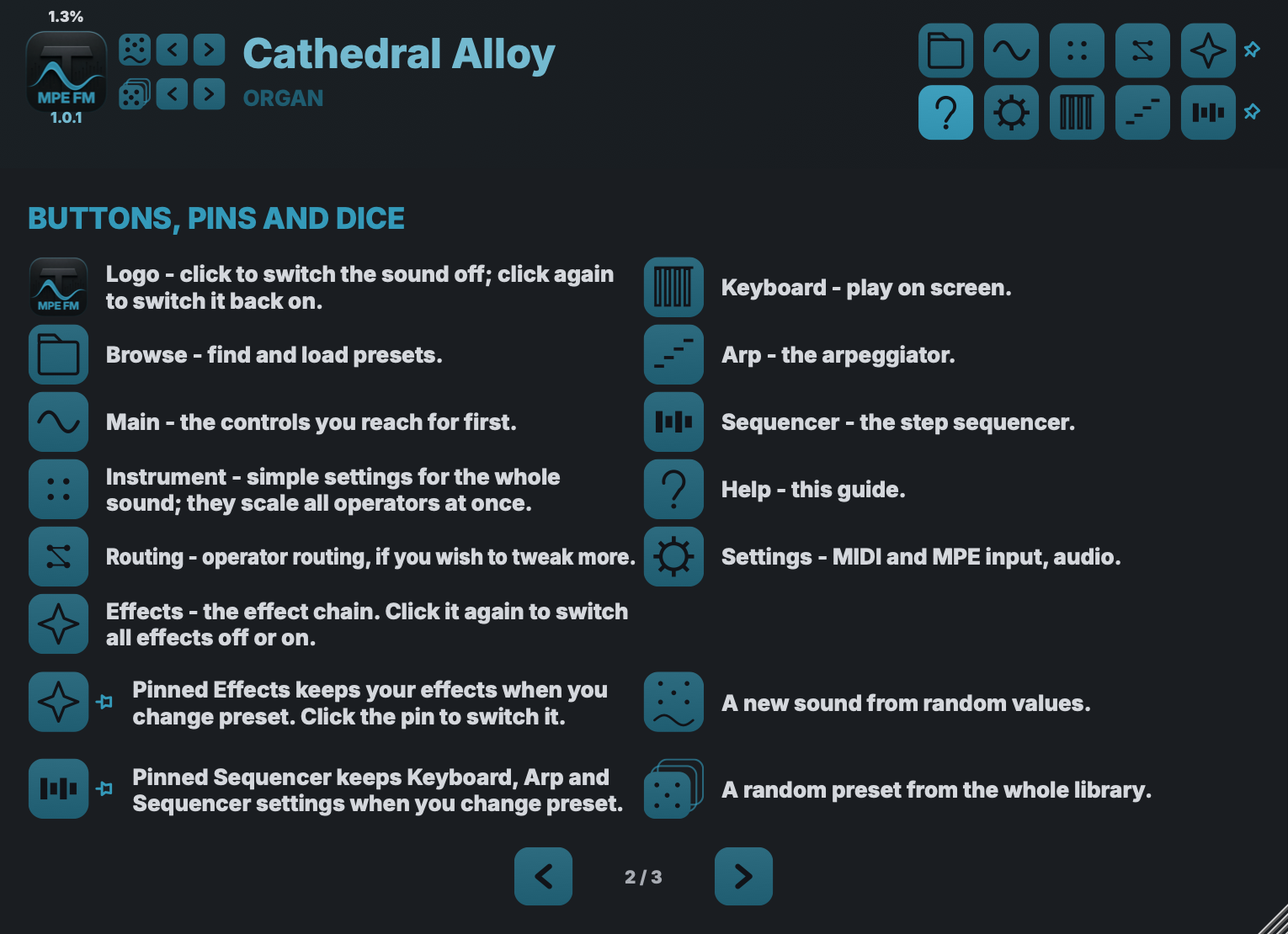
Navigation and shortcuts
Find the sound pages, performance tools and preset controls.
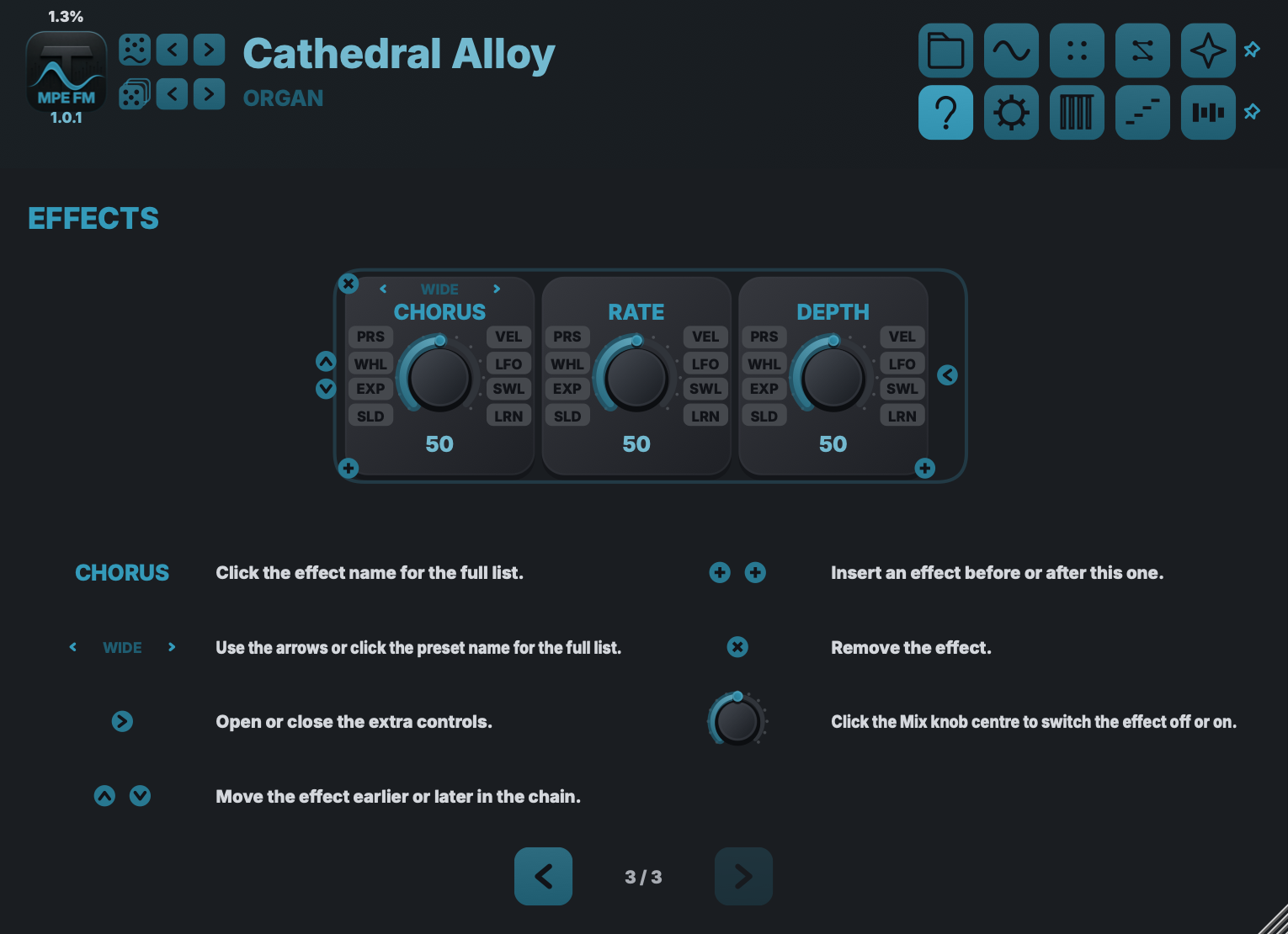
Working with effects
Choose, reorder and shape the effects in your chain.
ENGINES
2 · 4 · 6
operators
Three engines share one front panel. Four operators give you eight algorithms — a serial stack where each operator modulates the next, three modulators into one carrier, dual stacks, a branched routing, four parallel sines, and a chain with operator 1 feeding back into itself. Two operators reduce that to a stack and a parallel pair; six open 32 algorithms with their own feedback stage.
Most sounds never leave the main controls. When one needs a path the algorithms do not cover, the matrix opens the full routing grid, including feedback connections — the same instrument, one layer deeper.
SOUND SHAPING
Deep enough to design.
Fast enough to play.
FACTORY PRESETS
Built around playable modulation envelopes.
Bright attacks, decaying modulators, evolving carriers and expressive performance ranges are authored into the presets rather than left as setup work. Many presets include a complete effects chain, and every routing remains editable.
MPE THROUGHOUT
Every note gets its own movement.
Per-note pitch bend
Pressure
Slide
Per-note control needs a controller that sends it — MPE hardware, or a keyboard with polyphonic aftertouch. Without one the instrument is not diminished, only narrower: velocity, mod wheel, channel aftertouch and an expression pedal reach the same destinations, moving the whole voice instead of one note inside it. The Standard MIDI profile in Settings sets that up in a single tap.
Factory presets demonstrate expressive routings such as pressure into modulation depth, velocity into bite and slide into timbre. None of it is fixed. Assignable controls carry their own source badges, so moving aftertouch onto a control or velocity onto vibrato happens directly on that control.