
ANALOG-STYLE SOUND · PER-NOTE EXPRESSION
Tupos MPESubtractive
Two oscillators, a resonant filter and a sound that responds to your hands. Shape each note with pressure, slide and pitch bend, using controls that keep expression in view.
Mac: notarized by Apple. The installer and the apps are signed with an Apple Developer ID and notarized by Apple, so macOS installs and opens them without security warnings.
Windows: check before you buy. The Windows installer is not code-signed yet. If Smart App Control is on, Windows blocks it. Download the free installer and check that it opens before you buy; it asks for your licence key once installed.
Desktop full licence €19.99: Mac and Windows, up to three computers.
Subtractive direct edition: Mac standalone, AUv2 and VST® 3; Windows standalone and VST® 3.

VST is a registered trademark of Steinberg Media Technologies GmbH.
App Store edition for iPad and Mac: Standalone and AUv3, one purchase covers both. Sold separately from the direct licence.
App Store · Coming soon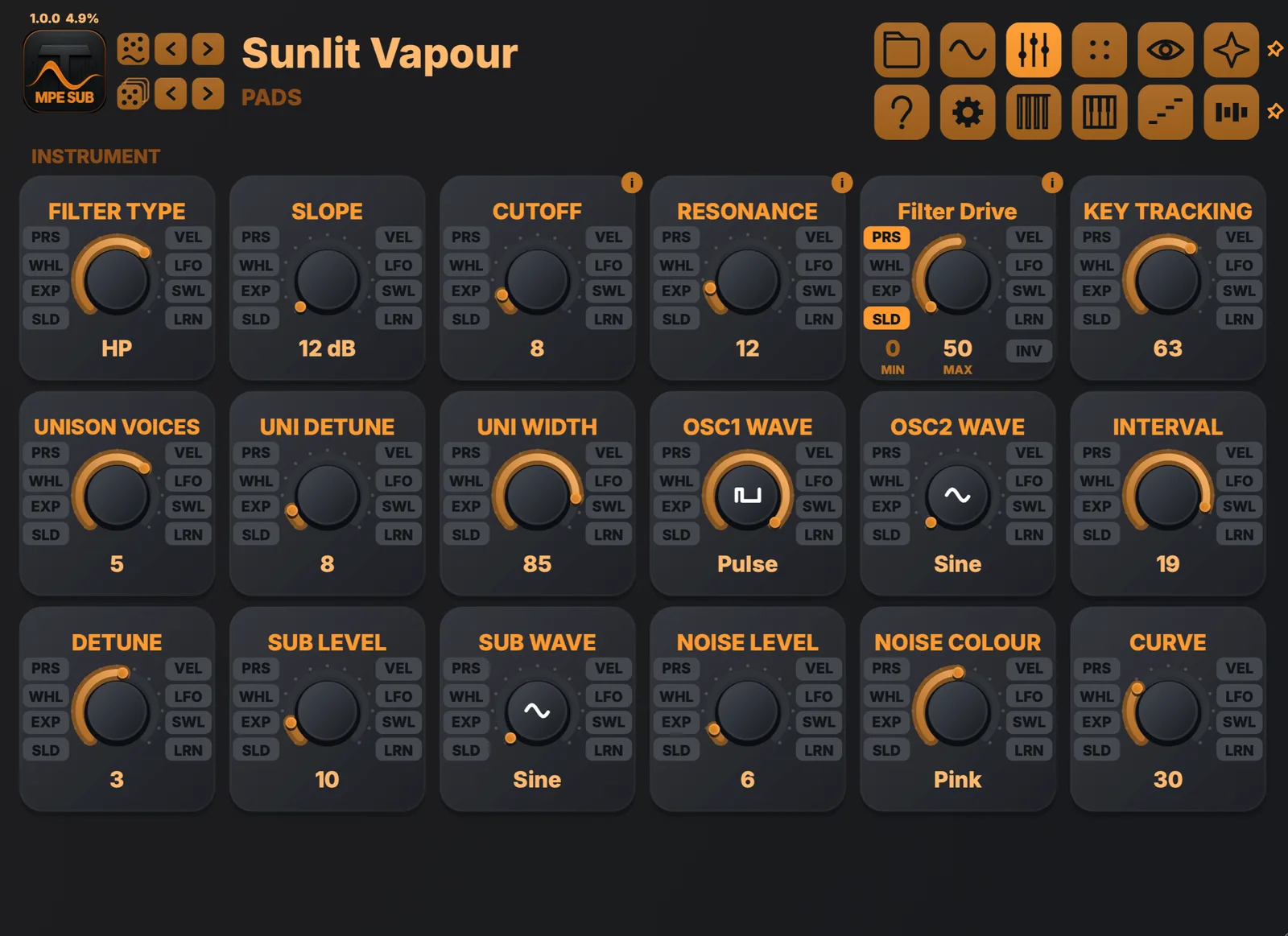
HEAR IT IN ACTION
Tupos MPE Subtractive
Tupos MPE Subtractive · Keys and bass
Two instances with per-note pressure and slide: chords and a figure on keys, a bass line underneath.
Watch on YouTube →THE ENGINE
Shape the sound.
Play the movement.
Combine two oscillators with sub and noise layers. Add unison, pulse-width modulation, hard sync or cross-modulation, then shape the tone with a resonant low-pass, band-pass, high-pass or notch filter at 12 or 24 dB.
Pressure, slide, velocity, wheels and pedals are assigned on the controls they move. MPE gives each note its own expression; standard MIDI and aftertouch keyboards can play it too.
Factory presets are included, alongside an arpeggiator, a step sequencer and eight effect slots. Save your own sounds and keep every assignment editable.
THE INTERFACE
One instrument.
Every control in view.
Each view has one job, and the source badges beside every assignable control keep performance routing visible where it acts.
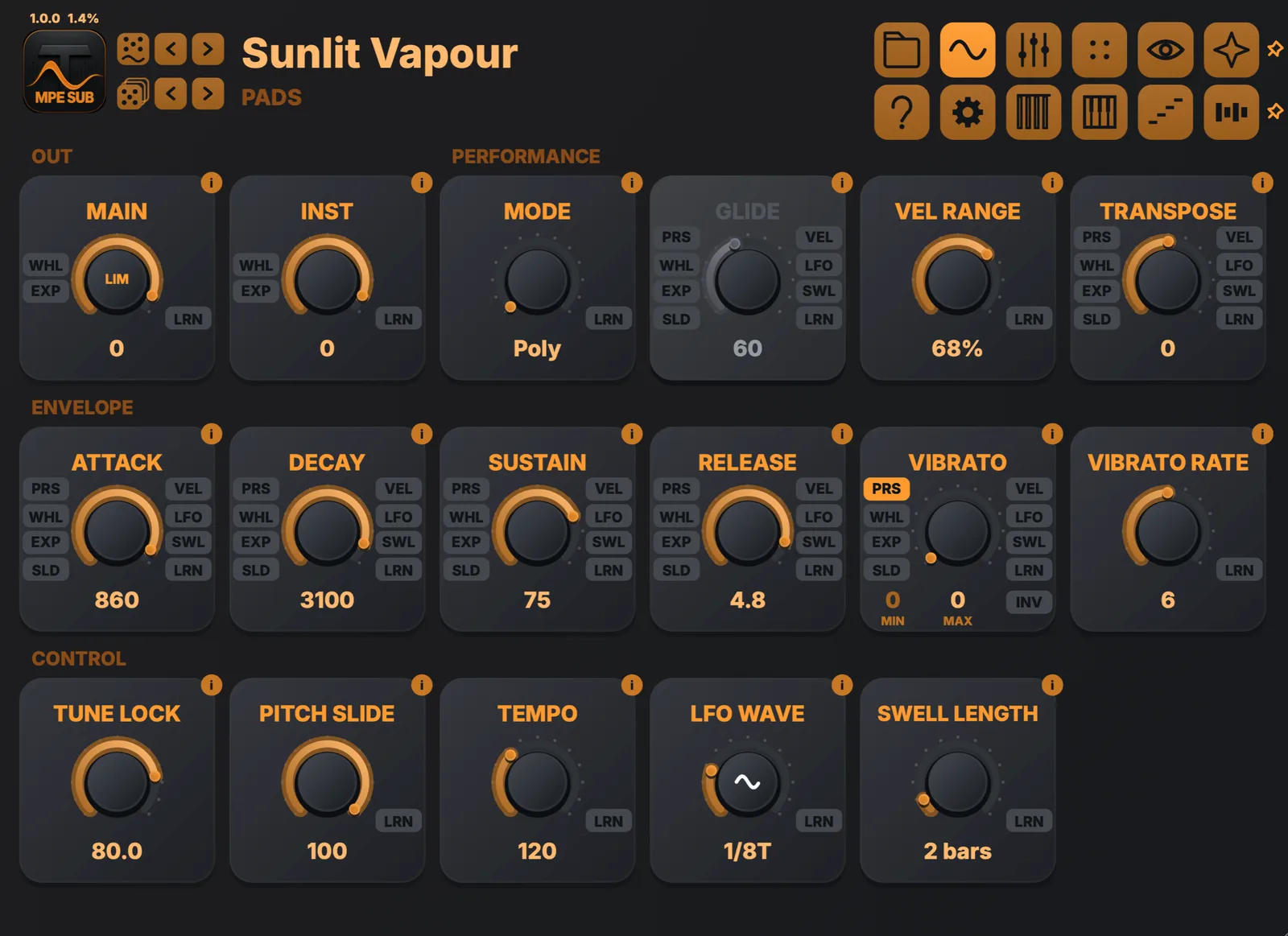
Performance
Output, playing mode, velocity range, the amplitude envelope, vibrato, tempo and the performance LFO in one view.
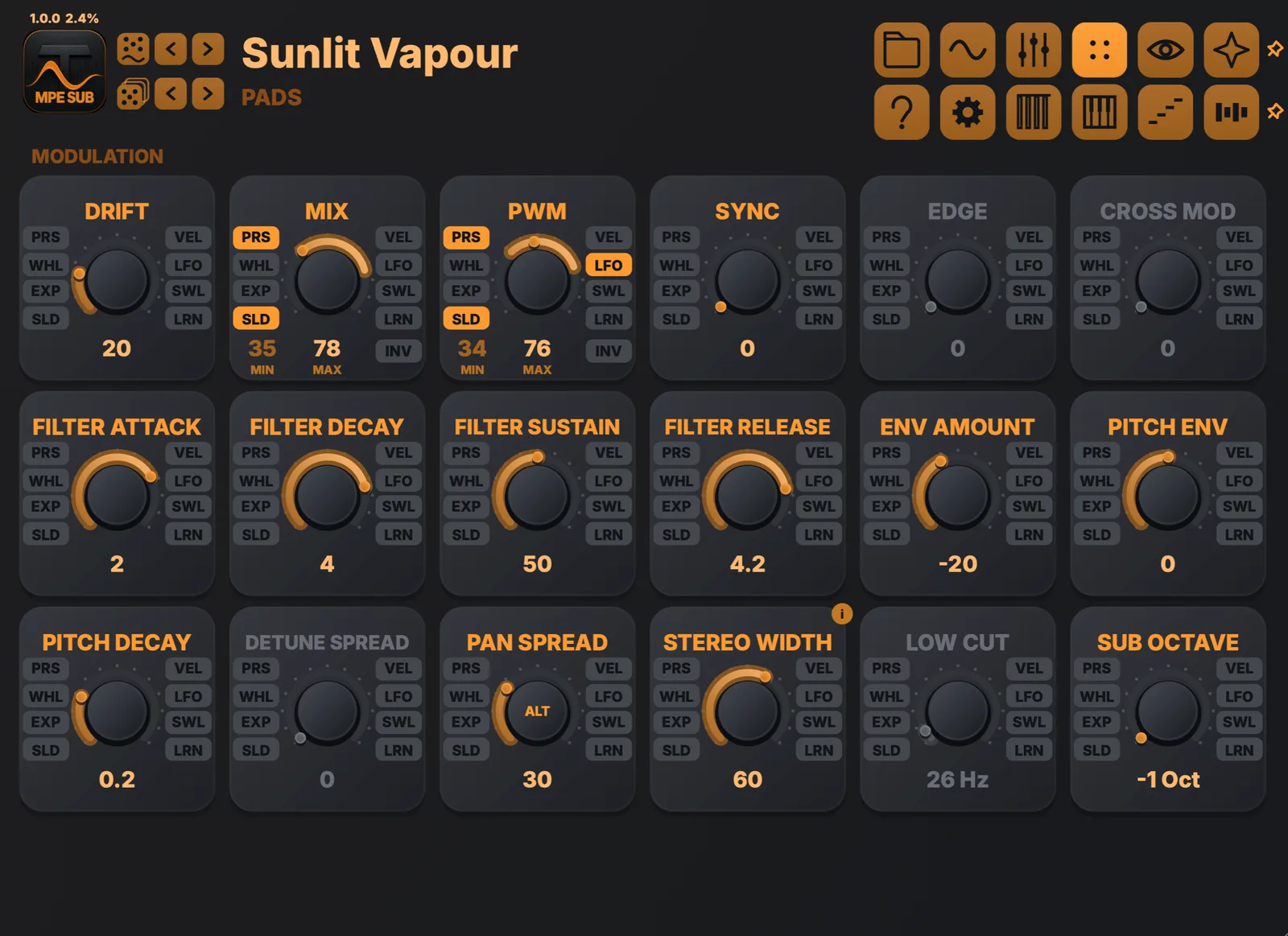
Movement
Drift, pulse width, sync, cross modulation, the filter envelope, pitch envelope, stereo width and pan spread.
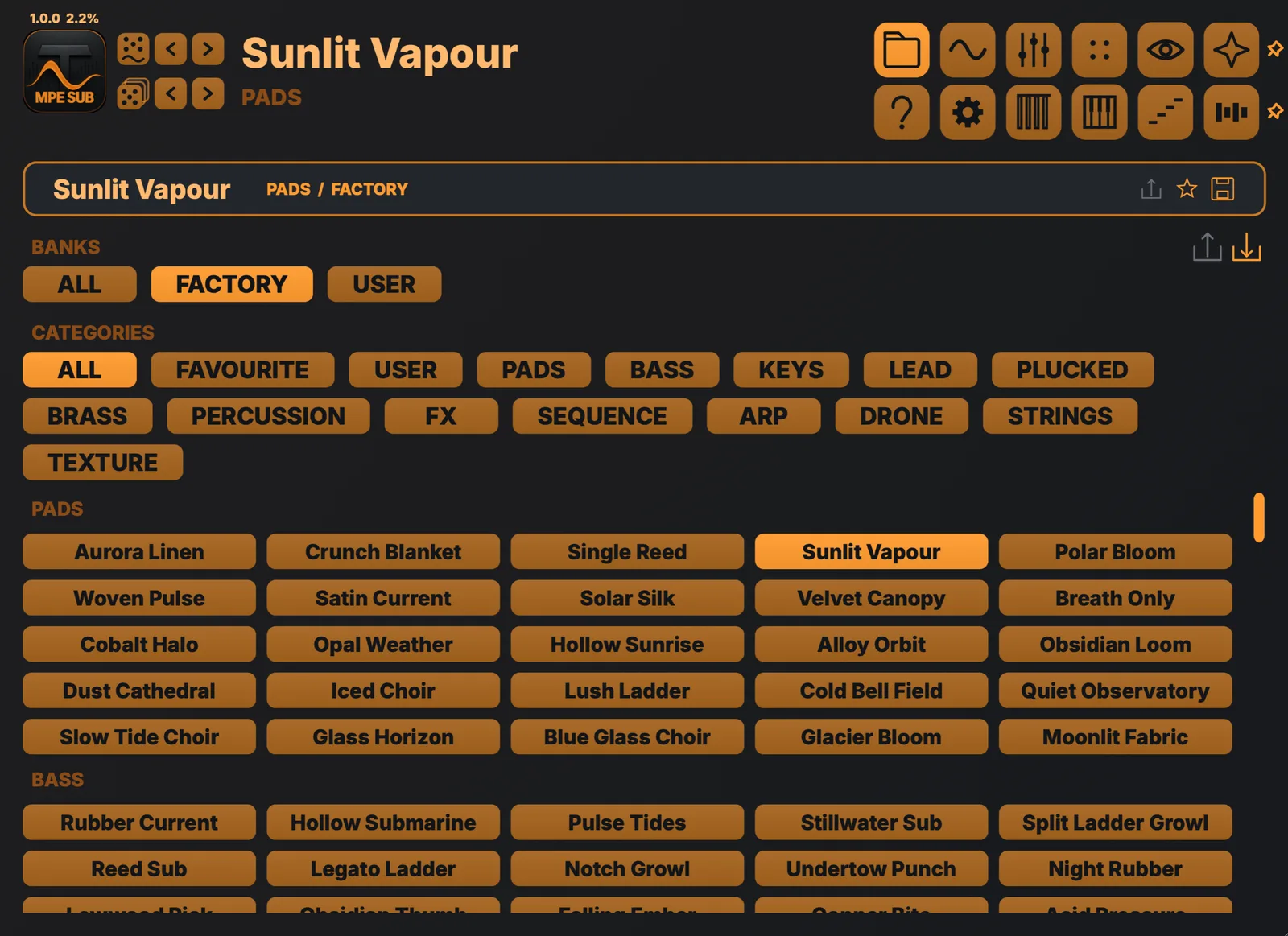
Preset browser
Factory and user sounds by category, with favourites, ratings and single-bank import and export.
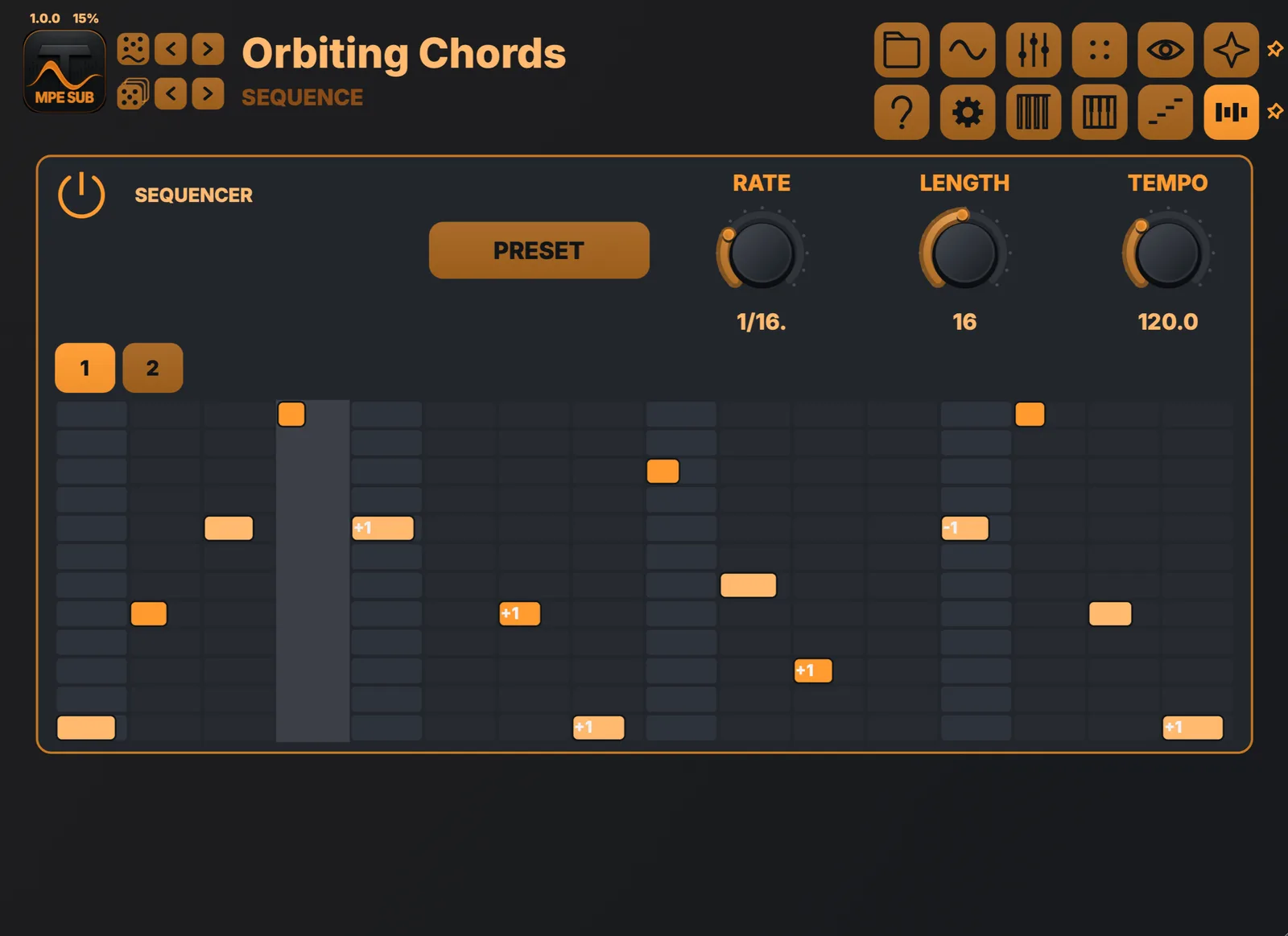
Sequencer
Write note patterns with per-step note, octave, velocity and length, alongside the arpeggiator.
EXPRESSION AT THE CONTROL
Your touch.
Your tone.
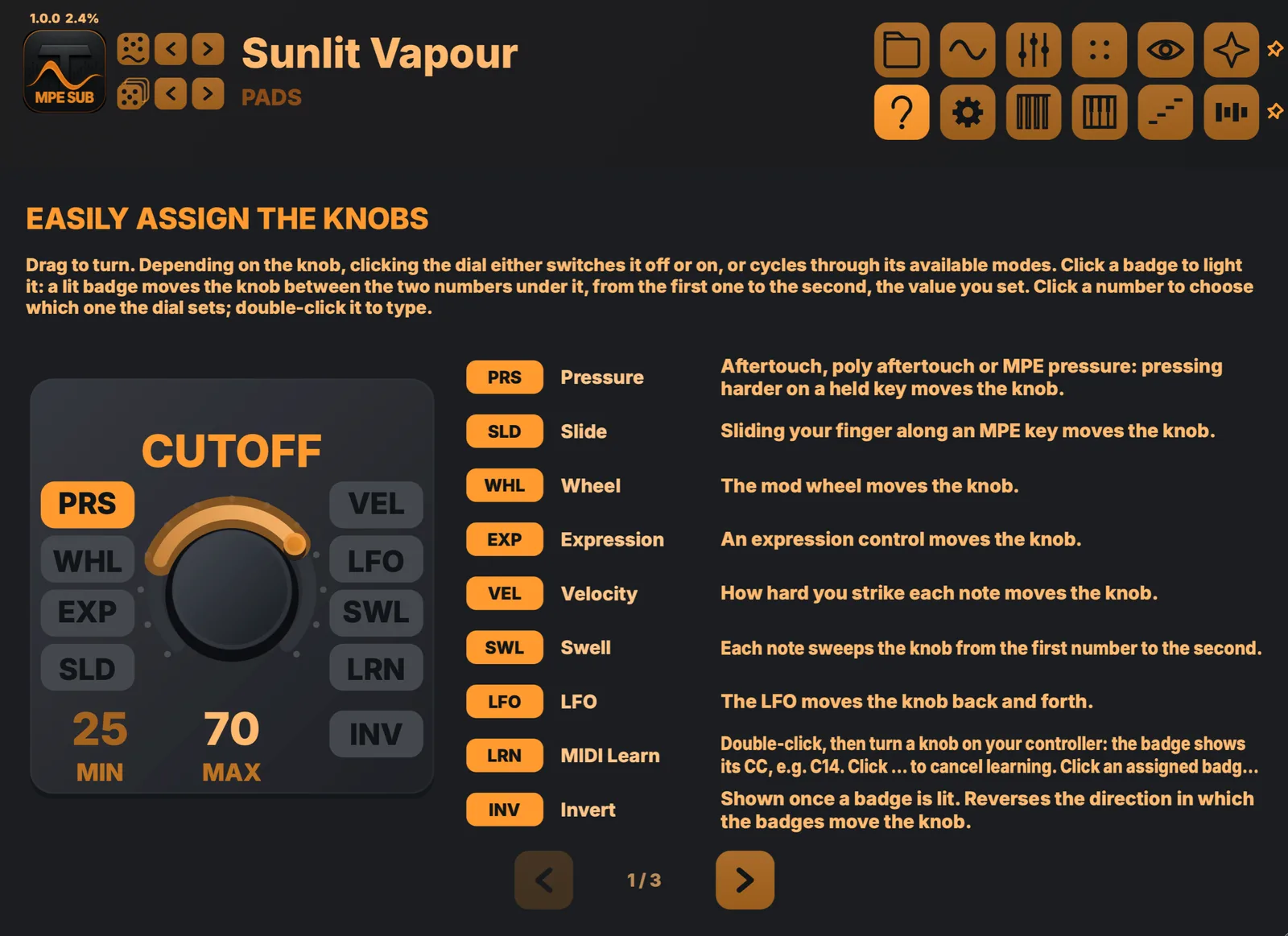
Light a badge to let pressure, slide, velocity, the wheels, Swell or the LFO move a knob, then set the range right under it. The built-in guide walks through every badge, page and shortcut.
BUILT-IN EFFECTS
Eight slots.
Build your own chain.
Choose from these effect types, reorder the chain and start from effect presets. Pin the effects to keep your chain while browsing different sounds.
Assignable synth and effect controls share pressure, slide, velocity, mod wheel, expression, Swell and LFO modulation. MIDI Learn connects a hardware control directly to a knob.
MPE THROUGHOUT
Every note gets its own movement.
Per-note pitch bend
Pressure
Slide
Per-note control needs a controller that sends it — MPE hardware, or a keyboard with polyphonic aftertouch. Without one the instrument is not diminished, only narrower: velocity, mod wheel, channel aftertouch and an expression pedal reach the same destinations, moving the whole voice instead of one note inside it. The Standard MIDI profile in Settings sets that up in a single tap.
SEE YOUR SOUND · STANDALONE APP
Play across the desert.
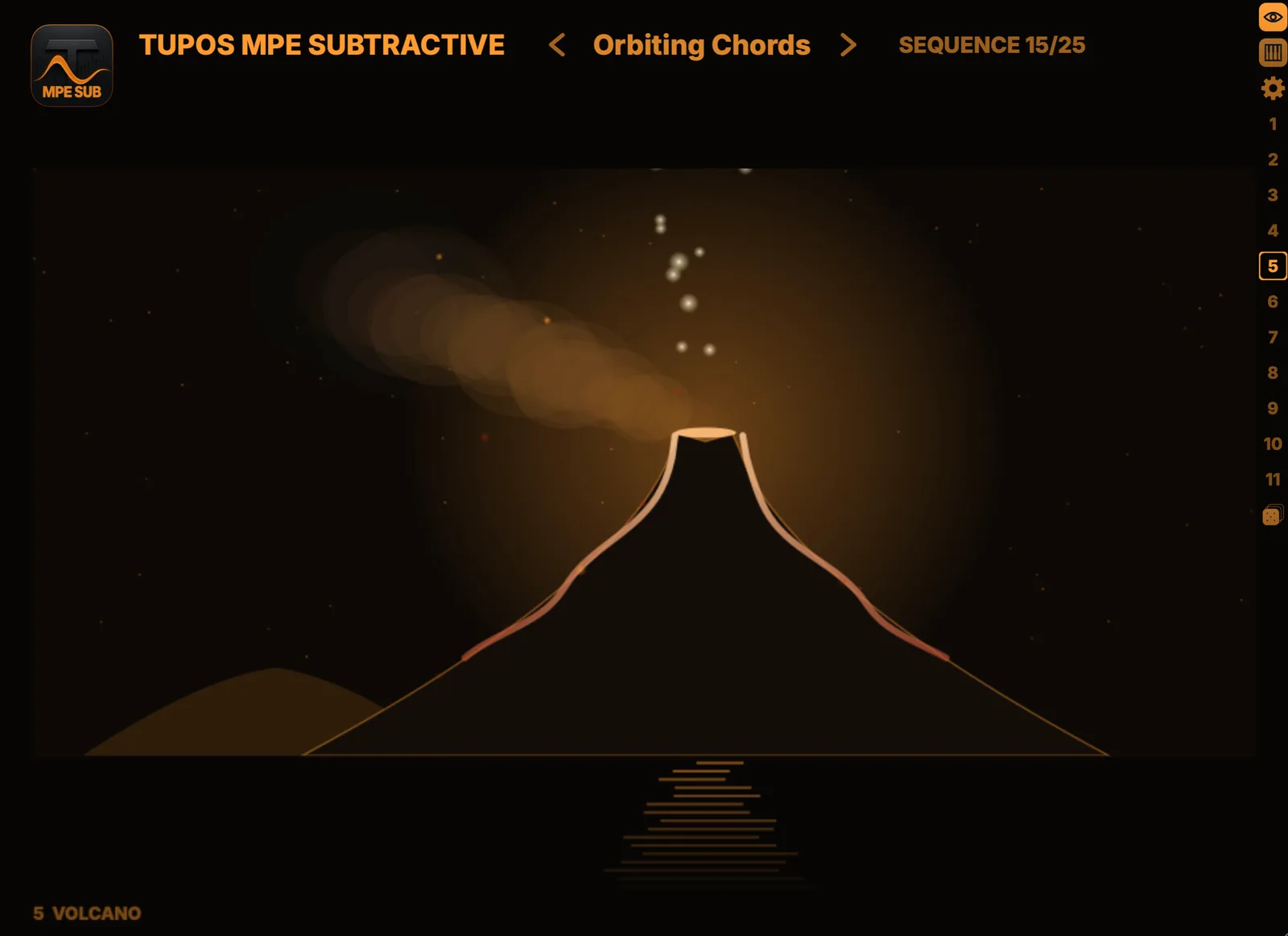
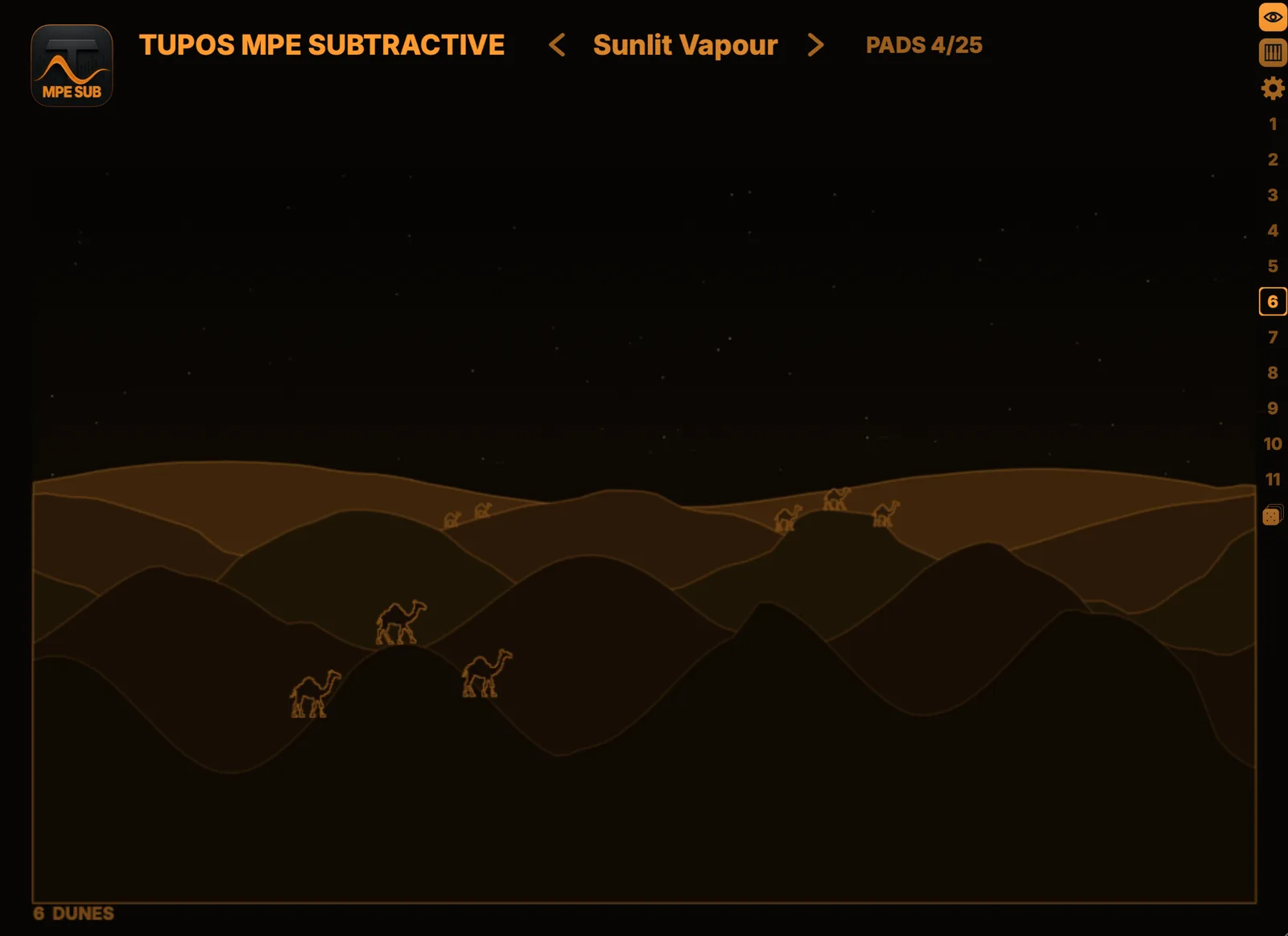
Switch the window to a full-screen scene that moves with your playing. Pick a scene from the side bar and set the quality to suit your computer. Scenes are part of the standalone app on Mac, Windows and iPad; the plug-ins do not include them.
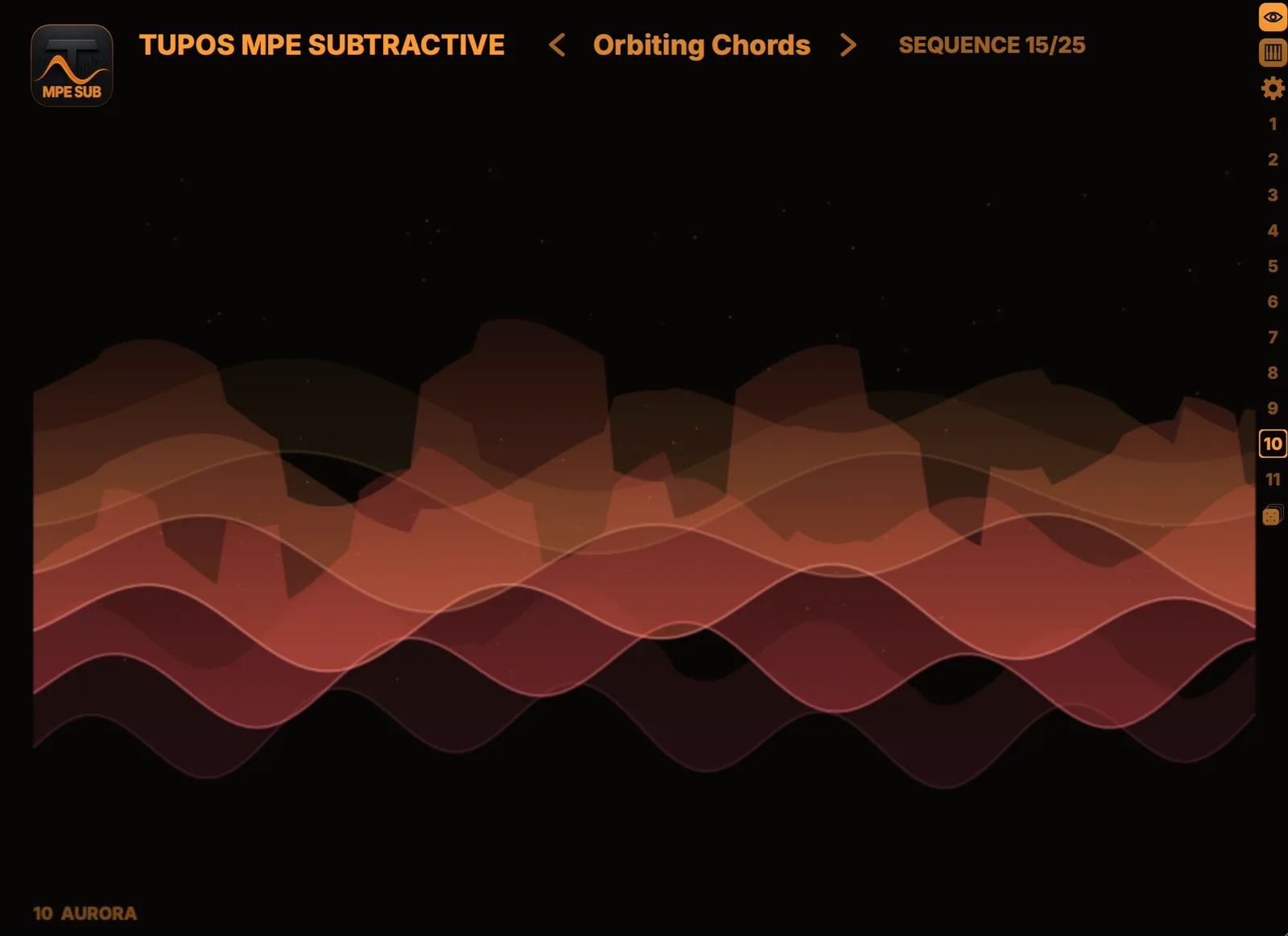
Aurora